Order direct
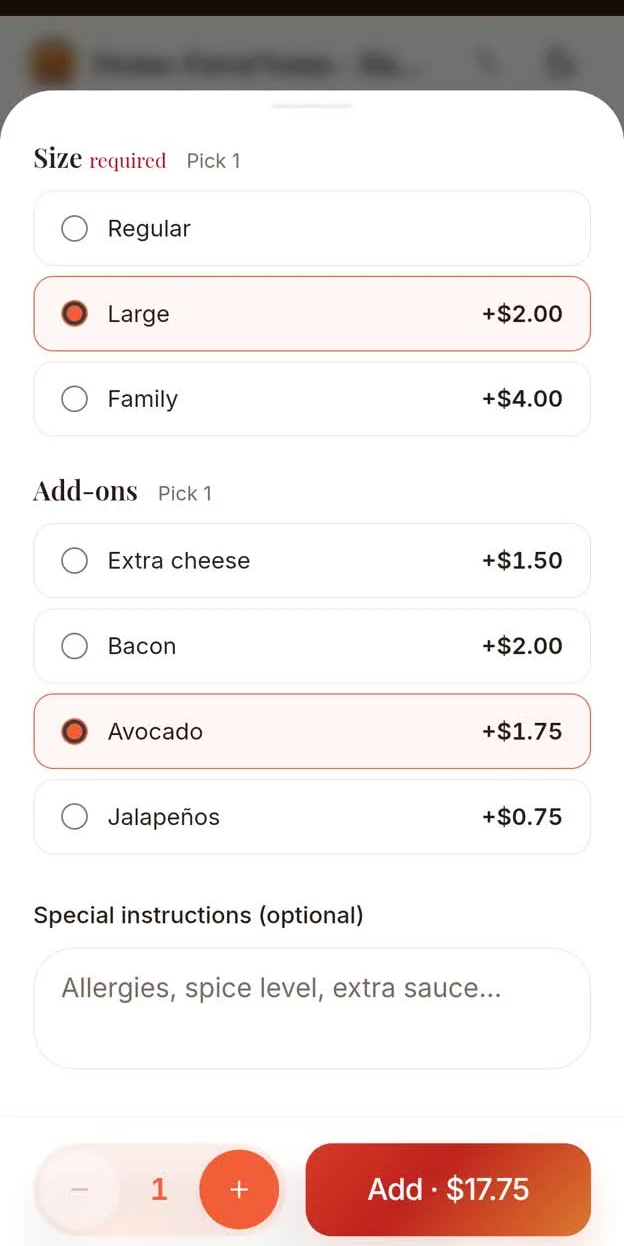
Choose items, options and pickup or delivery. Enter the delivery instructions.

Explore actual app screens and recordings: owners, store teams, customers and FavorGo drivers.
Access every menu, switch between all restaurant branches, view branch reports and business overviews, and manage the setup of every branch.
Managers access only the branch they are responsible for. Owner / Admin access covers all branches.
Access is limited to the assigned branch.
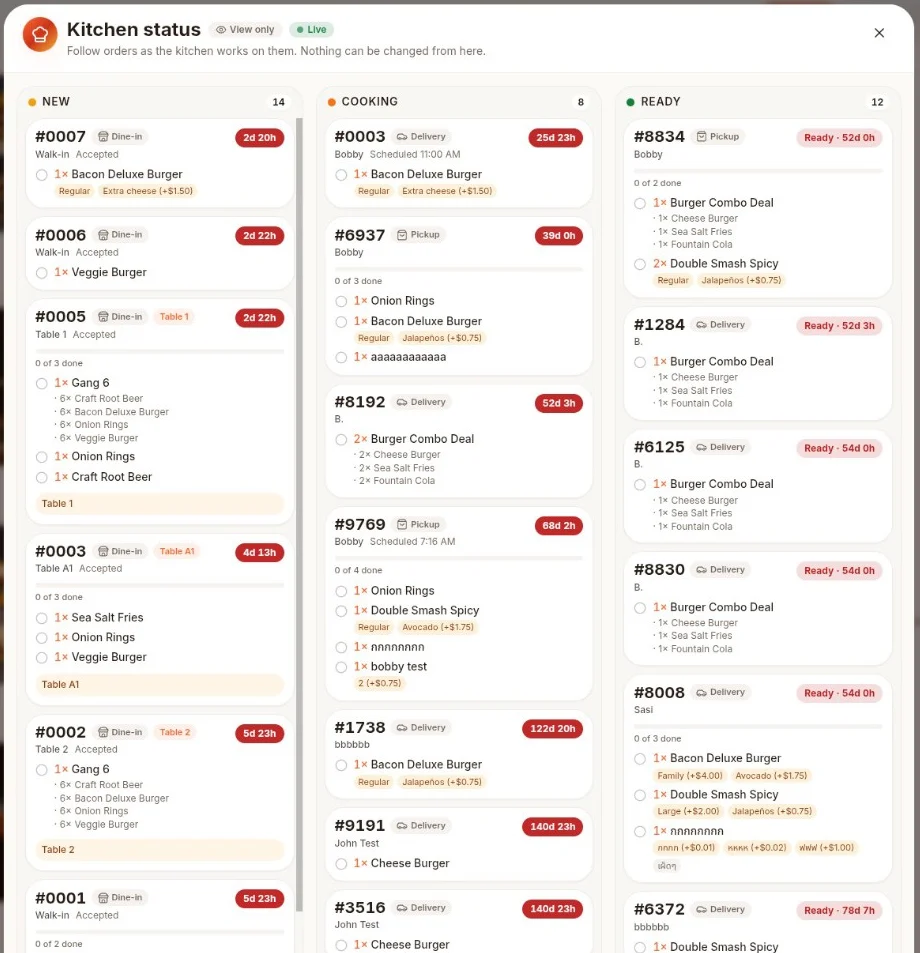
Use the essential menus, customer information and receipt-printer pairing. Counter supports dine-in, pickup and delivery. View kitchen status without changing kitchen tickets.
Servers have the same menu access as cashiers, including dine-in, pickup and delivery. Select the table, split a bill and add another round to the same open bill before it is closed.
Confirmed orders enter the kitchen queue. Staff start cooking when ready, mark finished food Ready, check every item and Bump the ticket out for serving or delivery. For delivery, the system searches for a registered driver when food is marked ready.
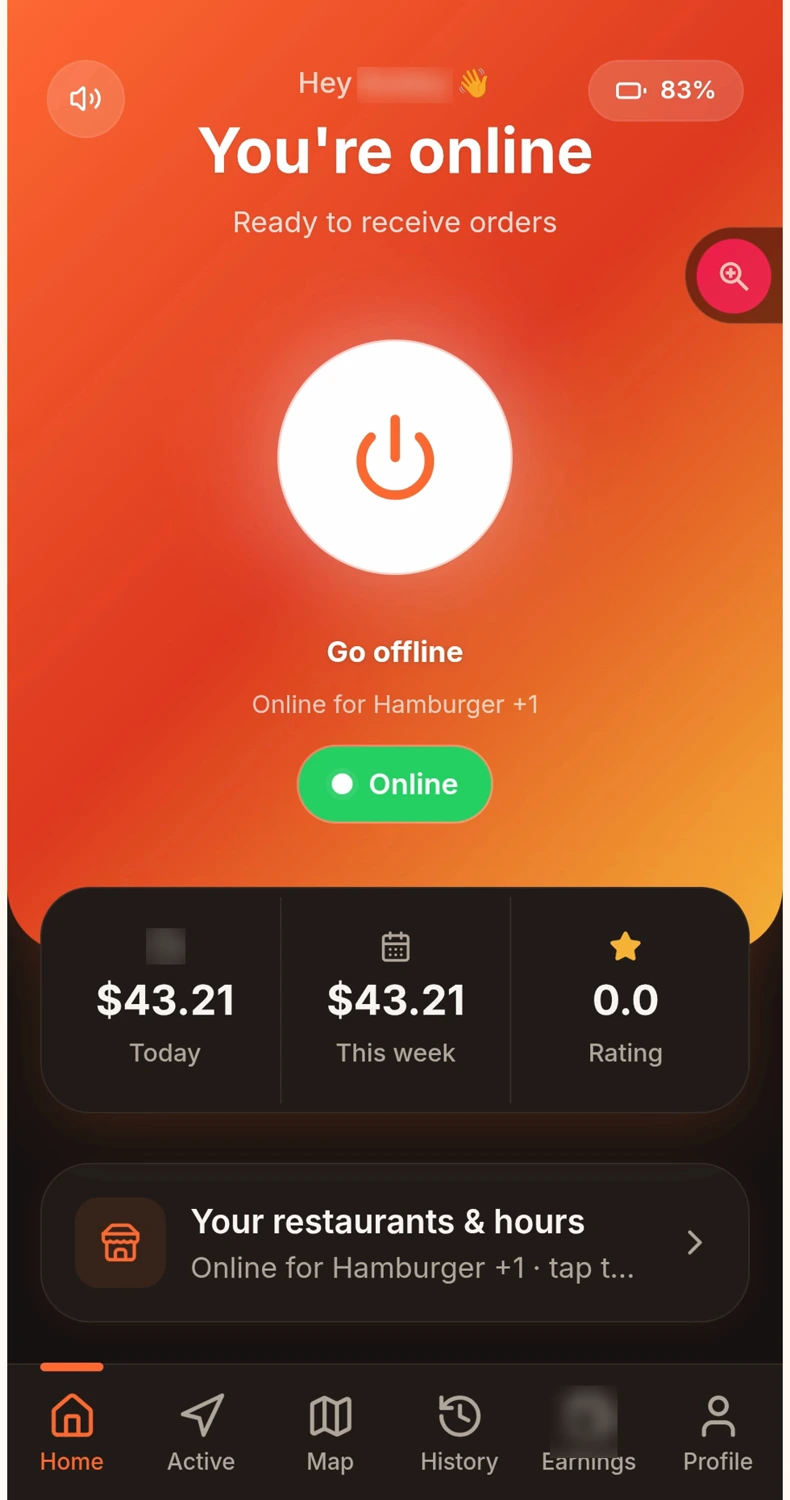
Go online for your registered restaurants. Review the alert, distance and restaurant-set earnings, then choose to accept. Take pickup and delivery photos, read instructions and chat with the customer. Request payment directly from each registered restaurant.
Order from the restaurant’s branded web app. Choose pickup or delivery, enter delivery details and send QR payment evidence for store review. Follow status and chat with the driver. After completion, rate the restaurant and driver, revisit receipts and see points earned under the store’s reward rules.
An overview of the platform, business benefits and flexible restaurant operations.
QR and Cash: the restaurant checks receipt of funds and manually confirms payment. Credit Card: successful payment is recorded automatically.
Choose items, options and pickup or delivery. Enter the delivery instructions.
QR and Cash: the restaurant checks receipt of funds and manually confirms payment. Credit Card: successful payment is recorded automatically.
Confirmed order → queue → Cooking → Ready. Check items, then Bump for handoff.
The system alerts registered drivers. Available drivers review distance and earnings before accepting.
Pickup photo → delivery instructions and chat → arrival → delivery photo → completed.
Customers rate the store and driver and view receipts and points. Drivers request earnings directly from their registered restaurants.